
Signals Admin Console
Track uptime, latency, alerts, and release health from one operational view.
CivIQ Guide Sites
Modern government websites with integrated AI services, accessibility support, and operational monitoring in one managed platform.
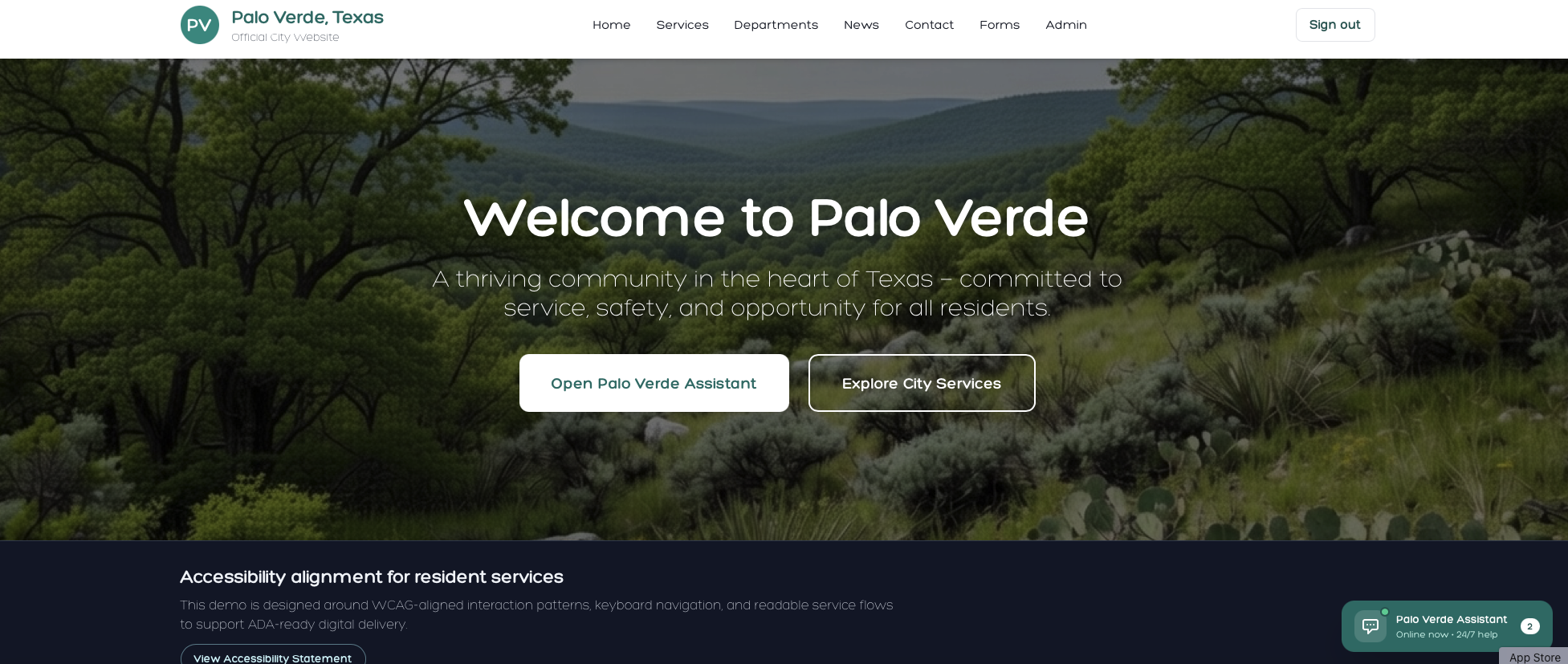
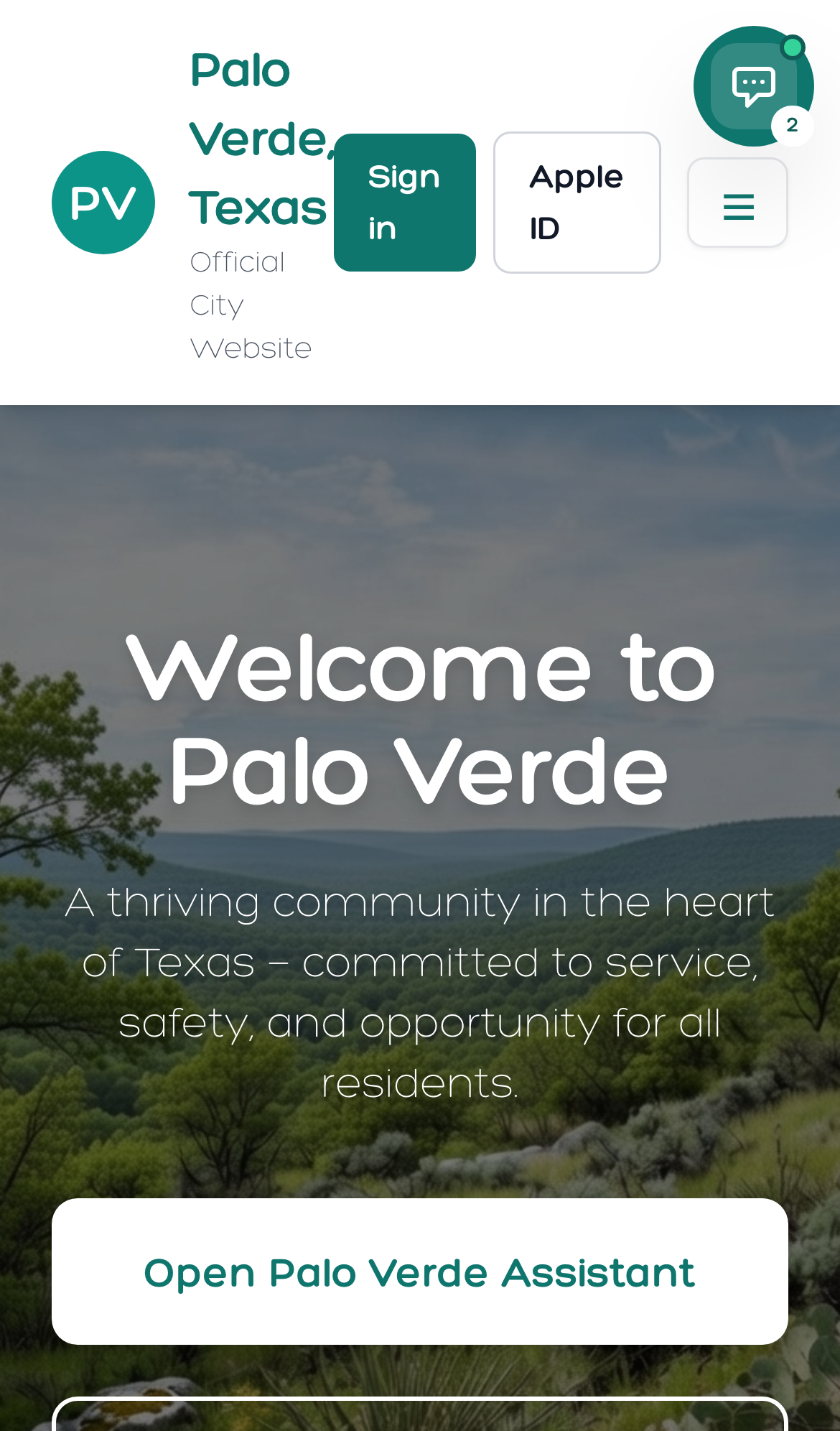
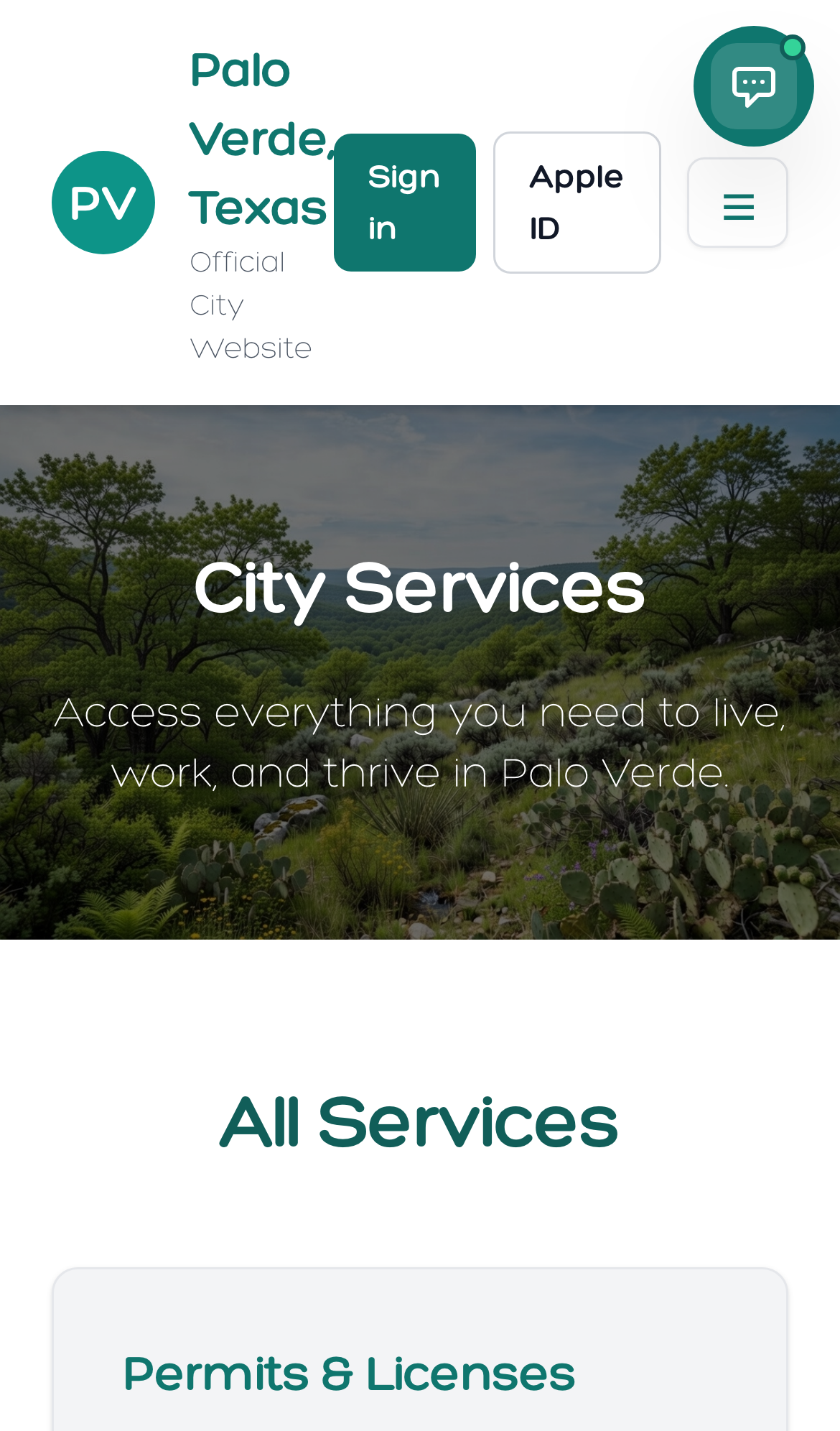
CivIQ Guide Platform
Modern government websites and mobile apps built for accessibility, service delivery, and long-term operational reliability.
CivIQ Sites is designed for government delivery teams that need reliable publishing operations, clear compliance accountability, and measurable platform performance across every resident touchpoint.
Resident Interface
Proof6 Core Site + Ops Capabilities
Core Capabilities
CivIQ Sites brings publishing control, accessibility delivery, and production visibility into one cleaner workflow for government web teams.
Track uptime, latency, alerts, and release health from one operational view.
Keep scans, remediation, and validation connected to each content release.
Set publishing ownership, approvals, and escalation paths across departments.
Coordinate launches, rollback readiness, and post-release monitoring in one flow.
Run reusable templates, content workflows, and role-based publishing controls.
Deliver secure hosting, SSL, observability, and release safeguards by default.
Signals Showcase
Monitor site health, release state, accessibility posture, and resident demand from one cleaner operations workspace.
Live Console Snapshot
Website telemetry mirrored from the Signals demo.
Pages Live
142
Service Uptime
99.98%
Avg Load
342ms
Residents Served
18,420
Service Requests
2,143
Open Alerts
3
Compliance
Accessibility work stays tied to website operations so compliance is managed continuously instead of treated like a separate one-time project.
Audit, prioritize, remediate, and validate accessibility issues across templates, forms, components, and service content.
Map remediation work to enforceable obligations and keep defensible evidence of accessibility controls over time.
Run recurring scan cycles with ownership workflows and regression protection instead of a one-time accessibility project.
Add-ons
Add focused capability modules as your digital-service platform matures.
Deploy a source-grounded public knowledge assistant integrated with site content, forms, and resident support workflows.
Expand beyond baseline remediation with continuous governance and deeper operational controls.
Fix high-impact PDFs, forms, and documents that create accessibility barriers in resident service journeys.
Connect payments, CRM, permitting, and service systems into one coordinated site and service-delivery experience.
Rollout
Teams evaluating CivIQ Sites typically need the full decision path in one place: how rollout works, what deployment options exist, and how pricing changes by scope.
Walk through your current website, service priorities, and operational constraints with the CivIQ team.
Receive a recommended rollout path aligned to accessibility risk, content governance, and resident-service priorities.
Open the live CivIQ government website experience and review the resident-facing service journeys directly.
Onboarding Process
Step 1
Review navigation, high-demand pages, forms, content ownership, and accessibility posture to define scope.
Step 2
Build the information architecture, page systems, publishing permissions, and department workflows for launch.
Step 3
Run content migration, device testing, accessibility validation, and production-readiness review before go-live.
Step 4
Manage uptime, alerts, releases, remediation tracking, and continuous website improvement after launch.
Launch Readiness Checklist
Deployment Models
Deploy CivIQ Sites into your own infrastructure when internal hosting, security, or procurement policy requires it.
CivIQ hosts and operates the platform for you, including monitoring, release support, and managed website operations.
Keep selected systems in your environment while CivIQ manages the web layer, tooling, monitoring, and content operations.
Pricing
Final pricing is determined after scope review, current-site assessment, and the selected delivery model. Teams can start with remediation, a full platform rollout, or a rebuild with ongoing support.
Scope-based remediation project
Best for agencies with an existing site that need prioritized WCAG and ADA issue resolution without a full rebuild.
Implementation + managed platform plan
Best for teams standardizing hosting, publishing operations, accessibility, and site telemetry together.
Build engagement + optional support retainer
Best for teams replacing legacy infrastructure with accessibility-first website architecture and ongoing support.
Rollout FAQ
Yes. Teams can start with a rebuild or remediation project, then continue into managed hosting, Signals monitoring, and support.
No. CivIQ Sites can be delivered as self-hosted, vendor hosted by us, or hybrid depending on your security and operating model.
Yes. The rollout can include the Signals admin console so your team can monitor uptime, alerts, and site-performance health after launch.
Final CTA
CivIQ Sites can launch as self hosted, vendor hosted by us, or hybrid with Signals visibility, accessibility operations, and managed website support built into the delivery plan.